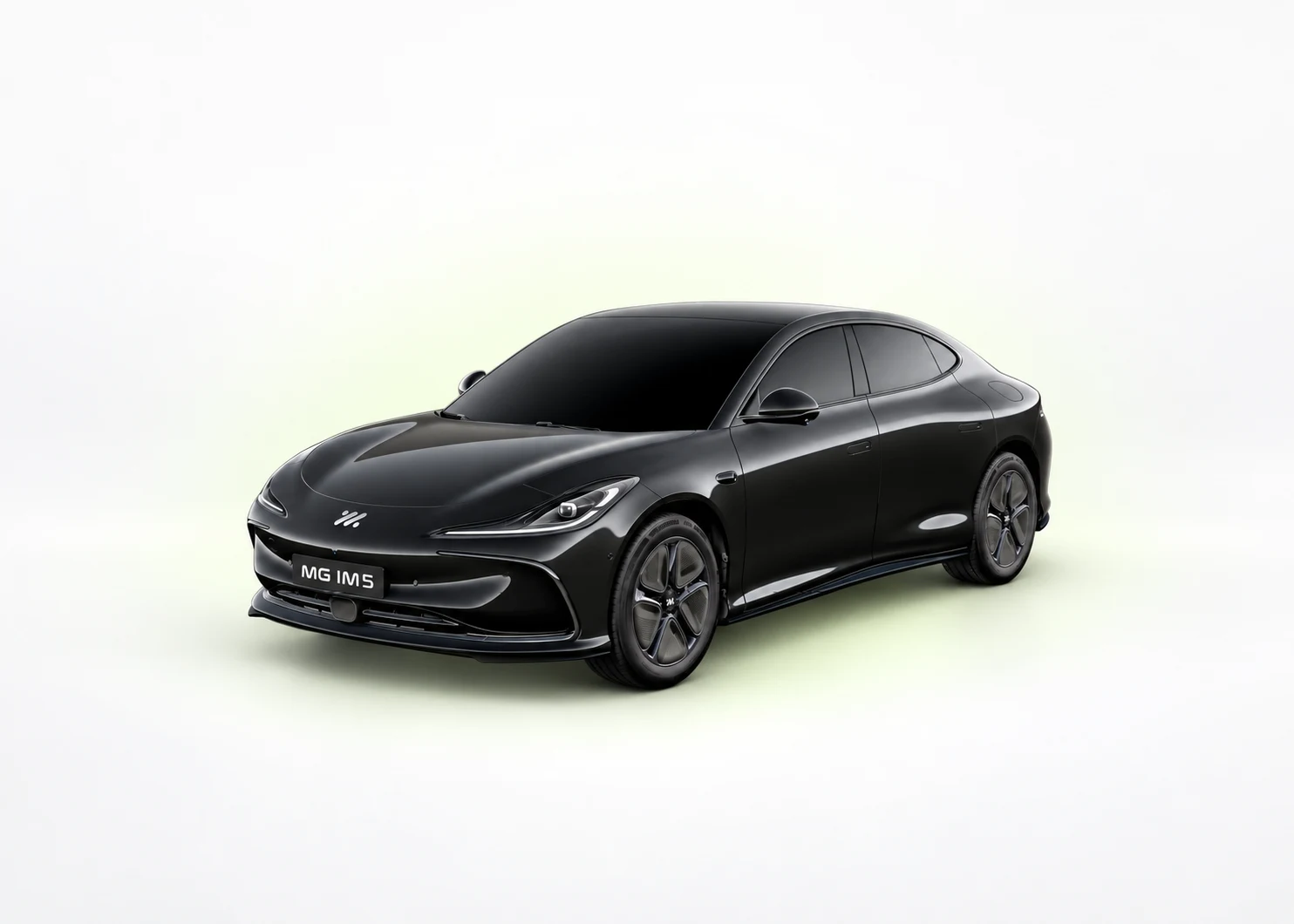
The same shape. Three very different cars. A practical first-week guide for MG IM5 owners: handover, access, phone setup, charging, tyres and a saved eight-point checklist.
UK owner guidance · Added 12 September 2026
Model illustration. Wheels and equipment may differ; use the written specification to identify your grade.
Keep your grade with you.
Current UK brochure range. All published grades remain visible in the reference table.
Start with these MG IM5 checks
Ask for a key-and-card demonstration
Have the retailer list the exact keys and access cards supplied with your IM5, then demonstrate each one. Do not assume that a checklist saying ‘both keys’ describes your delivery. Confirm what happens if your phone is unavailable and ask where the correct emergency-access instructions are in your handbook.
Build one driver profile first
While parked, set your seat and mirrors, find the demist control and make one phone connection. Add the second driver only after the first setup is understood. Record which settings belong to the car profile, the phone and the connected-services account so a later change is easier to explain.
Try an ordinary charge before a rapid-charge comparison
Confirm that a normal charging session starts and ends correctly. On a later rapid stop, write down the starting percentage, time and energy delivered. Compare with the correct Standard Range, Long Range or Performance reference, not the largest charging figure used in an IM5 advertisement.
If your NFC card unlocks but the car will not start
Door unlocking and card recognition for starting are separate steps. Use the IM5 NFC card-start guide to find the official console-reader illustration and the point at which to contact an MG repairer.
A physical NFC card is different from a phone key or the iSMART account. Do not delete vehicle binding to troubleshoot the card, and do not assume the same reader position or timing applies to another MG.
Added 1 November 2026. This link does not change the grade-table source date or your saved checklist.
Your eight-point first-week checklist
This uses the same checklist as the model hub, with progress kept separately for each grade in this browser. A tick is your own record, not an inspection or a service certificate.
Choose your grade to use the saved checklist.
Match the complete grade and model year to the order. Use the grade guide if the name is incomplete.
Confirm the correct app and supported phone functions. Keep account binding separate from Bluetooth or phone projection. A used vehicle may need the previous owner’s binding resolved by the retailer.
Follow the car and charger instructions. Watch both show an active session and confirm the normal end/unlock flow before relying on an overnight timer.
Keep a small list of observations: the actual charging time, whether phone reconnection worked, any persistent messages and questions about fitted equipment. Include when an issue happened and what changed beforehand. Send that concise record to the supplying retailer through its normal support route if help is needed.
Find the service schedule for your exact car and put the next date or mileage requirement in your own calendar. An app reminder or a ticked checklist does not change the manufacturer’s schedule.
Source review recorded 2026-09-10. Swipe the table on a phone. Selection highlights a row without hiding the other grades.
UK grade
Published battery
WLTP range
Maximum DC reference
Driven wheels
75 Standard Range
73.5 kWh usable
Up to 304 miles
153 kW DC
Rear-wheel drive
100 Long Range
96.5 kWh usable
Up to 441 miles
396 kW DC
Rear-wheel drive
100 Performance
96.5 kWh usable
Up to 357 miles
396 kW DC
Dual-motor all-wheel drive
Only a capacity explicitly labelled “usable” is suitable for a usable-kWh calculator. WLTP and maximum DC values are reference figures, not guaranteed journey distance or charging performance.
Sources and how to use this guide
This is MyMGEV editorial guidance for MG IM5. The grade table retains the published source review dated 2026-09-10; this guide was added on 12 September 2026. It is not a newly certified vehicle specification or a replacement handbook.
MG IM5 UK brochure — the official model/brochure source for the grade reference. Brochure links may be replaced by MG over time.
MG official handbook finder — use the VIN directly on MG’s site to find the appropriate manual. Confirm UK/right-hand-drive applicability and edition.
Equipment, tyre instructions, battery-care routines and emergency procedures must match the exact car. For a control sequence that is absent here, use the relevant handbook section or ask the supplying retailer to demonstrate it.