Which MG do I own?
Choose the model and UK grade shown on your paperwork before relying on battery, range, charging or control information.
Build your Exact MG Card →Start with your MG
Choose the exact car first. Save it in My Garage, then open guidance and tools matched to it.
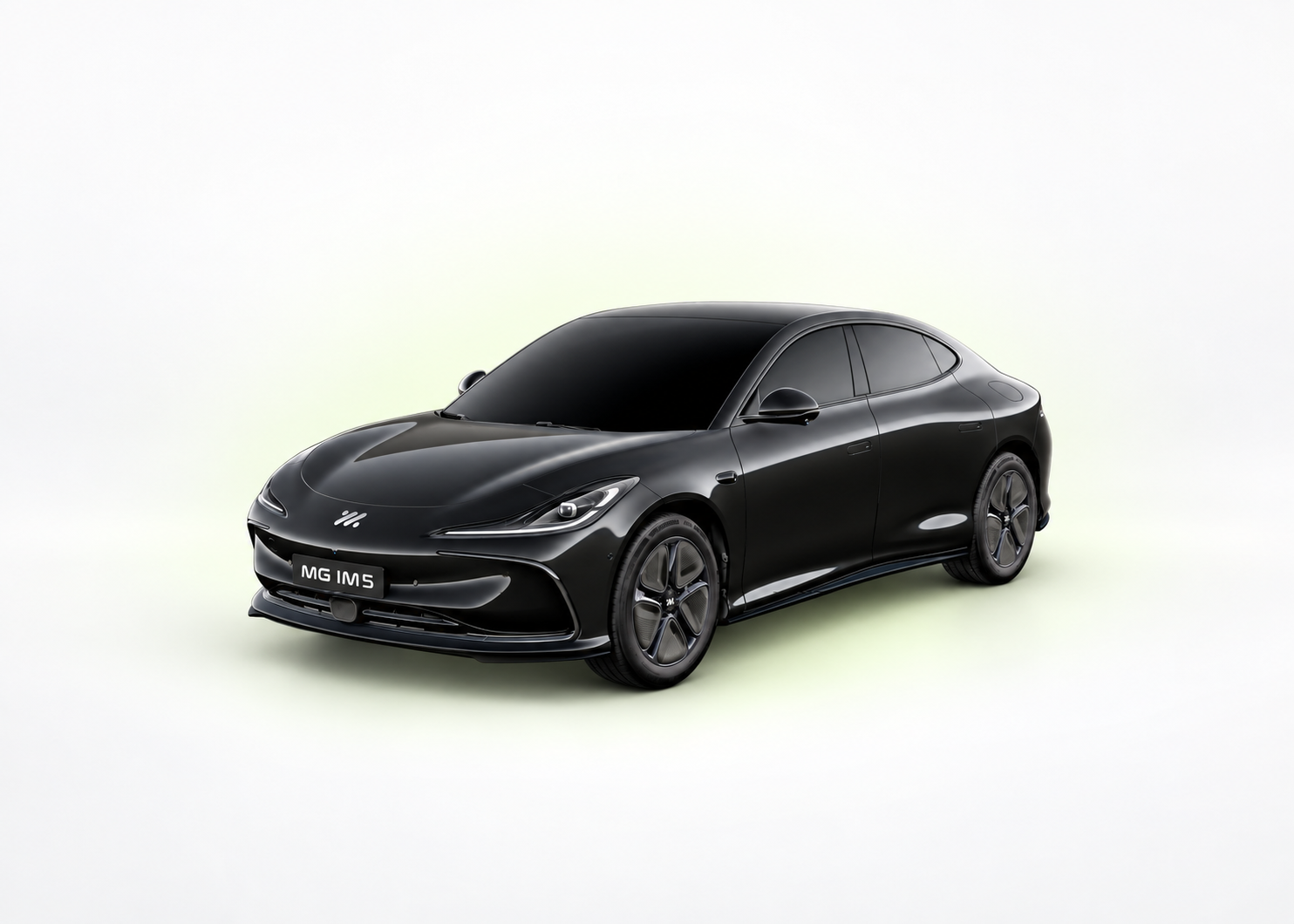
Battery 73.5 kWh usable Published capacity
Official range Up to 304 miles WLTP combined
Rapid charging 153 kW DC Published maximum DC rate
My Garage
Save your exact model and UK trim once. Then return here for the next useful guide, tool, document or reminder.
Saved on your device. Nothing is sent.
UK trim intelligence
Compare the published battery, WLTP range and rapid-charging headline without leaving the page. Select a card to inspect that exact grade.
MG IM5New · My MG Command Centre
Bring together your saved MG, Passport records, reminders, Range Twin evidence and the next useful action—without creating an account.
New · Owner Intelligence
See safety-ranked symptoms, evidence strength and meaningful new guidance since your last visit—all privately on your device.
New · My MG Passport
Build a private owner timeline, set your own reminders, total recorded charging costs and prepare a clean retailer handover—without creating an account.
Practical reading for your next charge, service or handover. Start with the exact MG, keep the useful evidence and use the tools already here.
Standby, active holding and reverse need different checks.
Check the hold state →Fold without locking, identify manual/electric hardware and separate a lock-fold problem.
Check the mirror controls →Check the discharge session, battery reserve and kit limits before blaming the load.
Check portable power →Check bonnet and tailgate interlocks, washer delivery and a reverse-only rear-wiper symptom.
Run the visibility checks →Understand established MG4 re-locking, check a mislock warning and verify the parked car is secure.
Check the locking routine →Use the correct MG4 socket, a direct cable and a two-phone comparison to isolate a projection fault.
Run the connection checks →Find the schedule controller, separate the charging target and preserve one useful session record before changing several settings.
Read ownership note →Identify the applicable MG service plan, prepare the appointment and distinguish an invoice, the official record and your private timeline.
Read ownership note →Check the generation, battery version, keys, account binding and supplied charging equipment before applying advice for a newer MG.
Read ownership note →Compare ordinary journeys fairly, keep charge energy separate from driving consumption and ask for the evidence behind a battery-health claim.
Read ownership note →Owner tools
Practical tools and clear guidance for everyday ownership.
Tap the part of the car or ask in plain English. Get the useful answer, exact-car boundary and source first.
Open Owner Lens → 02Estimate journeys using model, temperature, speed and cabin settings.
Open tool → 03Calculate home costs and understand AC and rapid charging.
Open charging → 04Numbered UK instructions with sources and safety limits.
Find a guide → 05Confirmed software information without rumours or guesswork.
See updates → 06Build a private range model from your own journeys and exact UK trim.
Teach your twin →Guided procedure
A calm sequence for account setup, charging and controls worth learning before a long journey.
Run the first-month procedure →SOURCE
CHECKED
How we work
UK primary sources come first. Owner reports remain labelled. Safe procedures use ordered steps and state when professional help is required.
How we check →Electric MG owner answers
MyMGEV connects your exact UK model and grade to the shortest useful route. Search in ordinary language, keep the specification boundary visible and open the underlying guide whenever you need the full evidence.
Choose the model and UK grade shown on your paperwork before relying on battery, range, charging or control information.
Build your Exact MG Card →Describe the symptom or task in plain English. Owner Lens returns a concise explanation, safe next step and source route.
Ask Owner Lens →Use published limits alongside temperature, speed, battery state and charger conditions—without pretending estimates are live vehicle data.
Open charging intelligence →Garage, Passport, Range Twin and owner-tool entries stay on your device. No account is required for the private workspace.
Read the privacy boundary →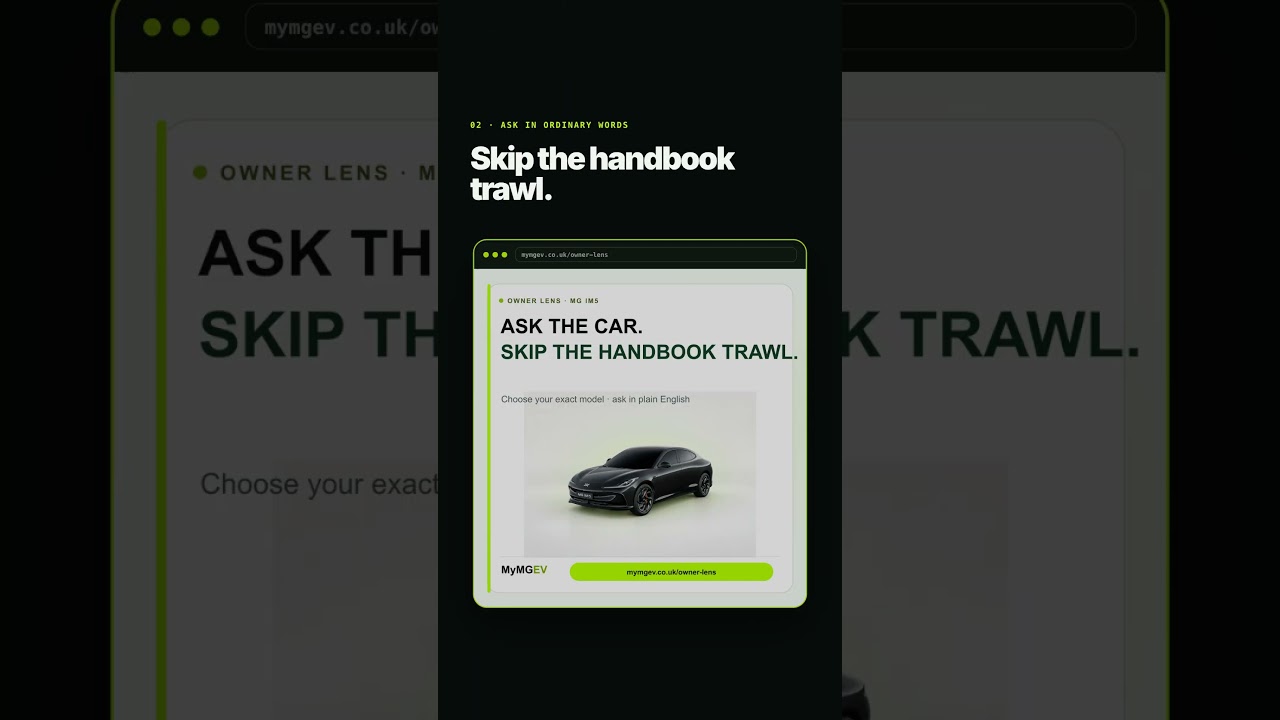
WATCH · 42 SECONDS
See how MyMGEV keeps guides, safety routes and owner tools connected to the electric MG you actually drive.
Watch and continue →