Trophy or GT changes the ownership reference. Plan MG Cyberster charging with the right UK grade, understand cost and average power, check timers and record a useful charging session.
UK owner guidance · Added 12 September 2026
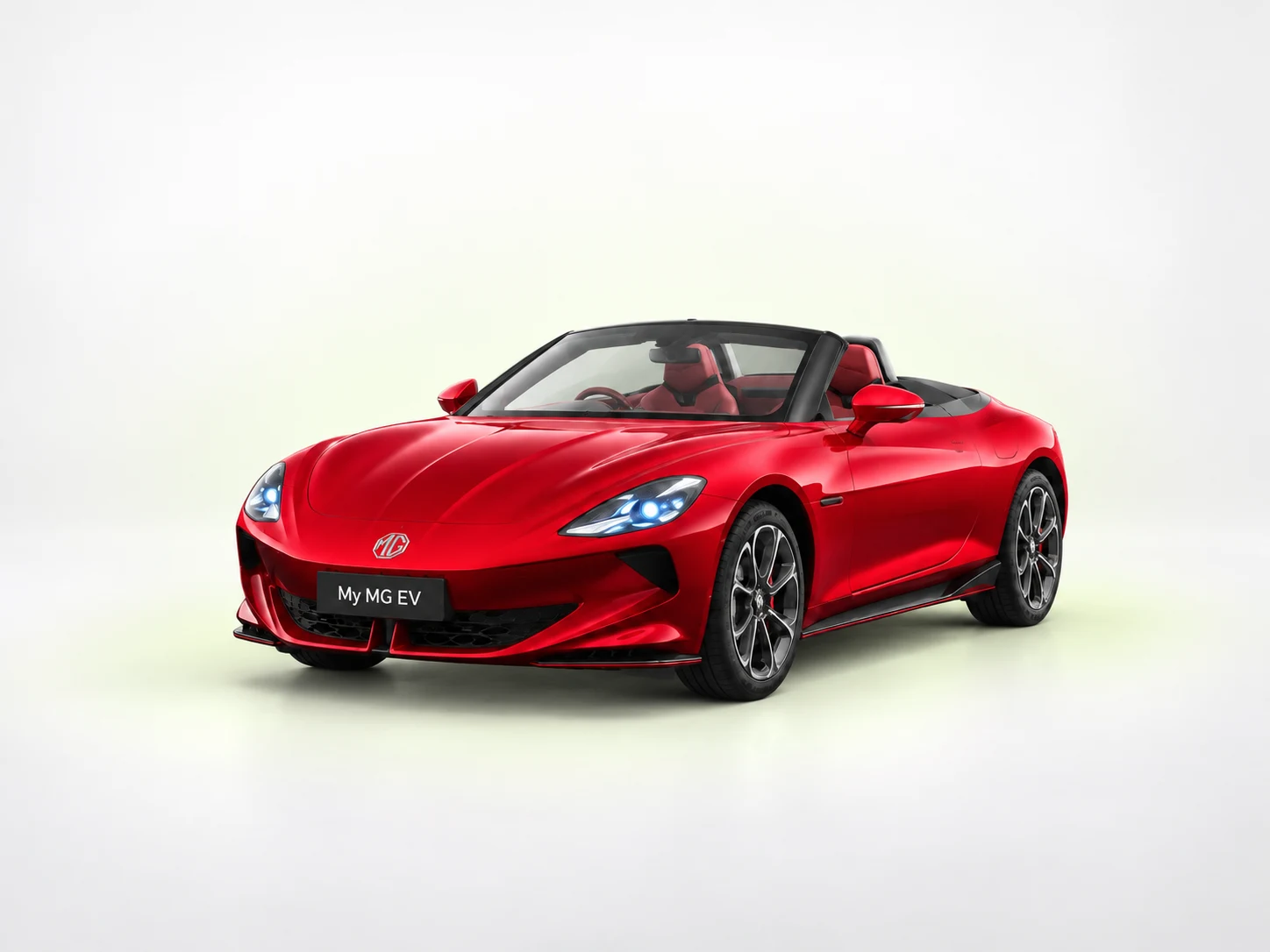
Model illustration. Wheels and equipment may differ; use the written specification to identify your grade.
Keep your grade with you.
Current UK range. All published grades remain visible in the reference table.
What changes for your MG Cyberster
The same battery label does not mean the same range
Trophy and GT have different official range references. Use the selected grade and observed consumption when choosing an arrival reserve. Open-roof driving, weather, speed and load can all make a comparison with another owner's trip less useful.
Arrange the bay around safe access
Position the car so the charge cable reaches without tension and the doors have the clearance required by the handbook. Keep the cable away from moving body parts and traffic. If the bay layout is unsuitable, choose another space rather than straining the connector.
Confirm charging limits from the current specification
The existing MyMGEV reference does not contain a verified exact-grade DC peak for Cyberster. This guide therefore directs you to the official specification and the actual vehicle instructions for that value. Your session record can still show measured average power and cost without inventing a manufacturer limit.
Your UK grade reference
Source review recorded 2026-09-10. Swipe the table on a phone. Selection highlights a row without hiding the other grades.
UK grade
Published battery
WLTP range
Maximum DC reference
Driven wheels
Cyberster Trophy
77 kWh
Up to 316 miles
Check current UK specification
Single-motor rear-wheel drive
Cyberster GT
77 kWh
Up to 276 miles
Check current UK specification
Dual-motor all-wheel drive
Only a capacity explicitly labelled “usable” is suitable for a usable-kWh calculator. WLTP and maximum DC values are reference figures, not guaranteed journey distance or charging performance.
Build a realistic plan
Choose the start and target charge. Follow the exact handbook’s battery-care advice. Choose an arrival reserve for the journey, weather and available chargers.
Choose the connection. AC charging is limited by the car’s on-board charger as well as the supply, cable and wallbox. Rapid DC uses a different vehicle limit. Check the connector and the operator’s compatibility information.
Read the tariff before authorising. Check the unit price, any session/parking fees and how the operator ends the session. A per-kWh rate alone may not describe the final bill.
Use one known schedule. Establish which app or device controls the start. Confirm the car’s actual state, then test one planned start before relying on a timer for an early departure.
Review the completed stop. Keep the receipt, delivered kWh, elapsed minutes and start/end percentages. A repeated pattern across comparable sessions is more useful than a single peak screenshot.
kW measures power; kWh measures energy. A session delivering 30 kWh in 30 minutes averaged 60 kW, even if the screen briefly showed 100 kW. At 70p/kWh, those 30 metered kWh cost £21 before any other fees. This is an arithmetic example, not a tariff recommendation or a prediction for your car.
For a battery-based estimate, usable capacity × the change in percentage gives an approximate energy increase in the pack. Metered grid energy can be higher because of losses and vehicle systems. If usable capacity is not confirmed, use the charger’s actual metered energy for a completed-session cost.
Record the charge level, weather and charger rating. Check for a shared-power message and compare elapsed time with energy delivered. A high charge level or cold battery can change the rate.
It never starts
Check the exact car and charger messages, authorisation state and active timers. Use the charging-recovery guide for the next safe check. Repeating the same failed attempt adds little evidence.
The cable stays locked
Use the operator’s session-ending instructions and the exact vehicle handbook. Do not pull harder or try an emergency-release procedure from another MG model.
Stop testing if equipment is damaged, unusually hot, smoking or sparking, or the car shows a serious safety warning. Move people away and contact the operator, roadside assistance or emergency services as appropriate. Do not touch orange high-voltage components.
This is MyMGEV editorial guidance for MG Cyberster. The grade table retains the published source review dated 2026-09-10; this guide was added on 12 September 2026. It is not a newly certified vehicle specification or a replacement handbook.
MG Cyberster — MG Motor UK — the official model/brochure source for the grade reference. Brochure links may be replaced by MG over time.
MG official handbook finder — use the VIN directly on MG’s site to find the appropriate manual. Confirm UK/right-hand-drive applicability and edition.
Equipment, tyre instructions, battery-care routines and emergency procedures must match the exact car. For a control sequence that is absent here, use the relevant handbook section or ask the supplying retailer to demonstrate it.